Documentation
Help centre
Step-by-step instructions for candidates and employers using DaaB.
Images from the previous theme
The images on this page show the platform’s previous theme. They are still valid as a reference for each step and will be updated soon with the new DaaB look.
Public area
Pages you can use without signing in. Some actions require login.
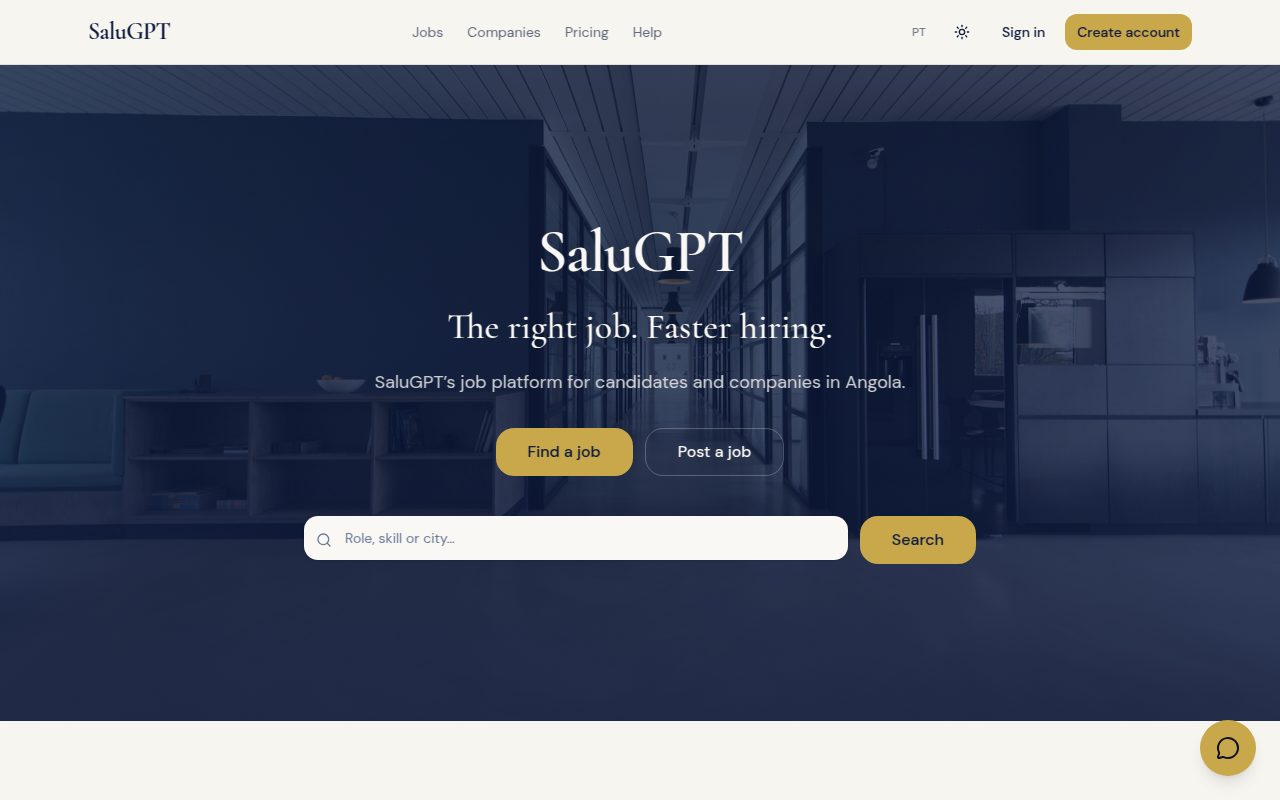
Home page
DaaB landing: job search, shortcuts for candidates and employers, and platform highlights.
Route: /
- Top bar: Jobs, Companies, Plans, theme, language, Sign in / Create account.
- Search by role, skill or city.
- Shortcuts: Find a job and Post a job.
- Sections for jobs, companies and plans.
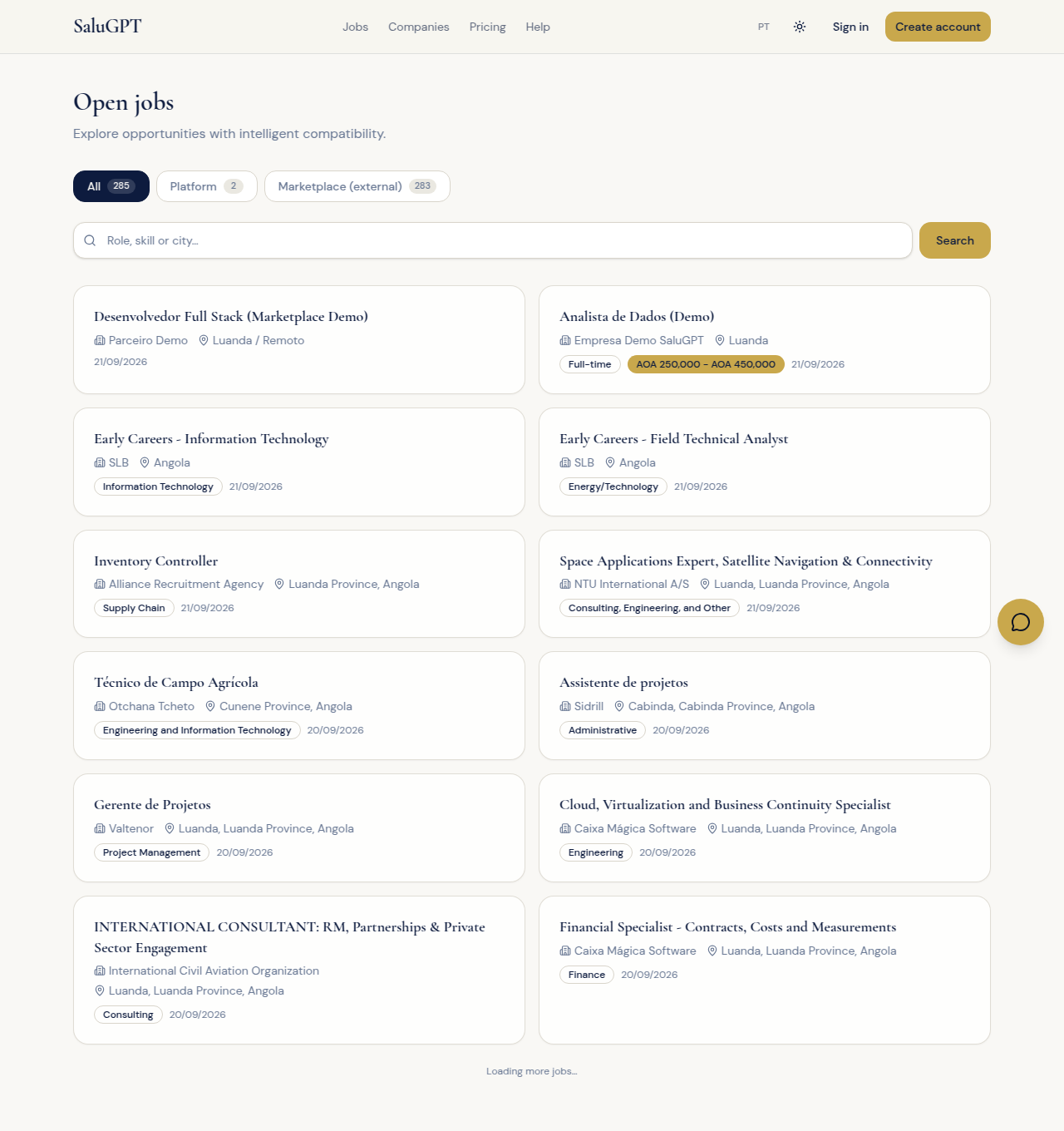
Job list
Public catalogue of opportunities (platform and marketplace), with search and tabs.
Route: /vagas
- Use the All, Platform and Marketplace (external) tabs.
- Search and open a job card.
- Platform jobs open at
/vagas/...; external jobs open at/vagas/externas/....
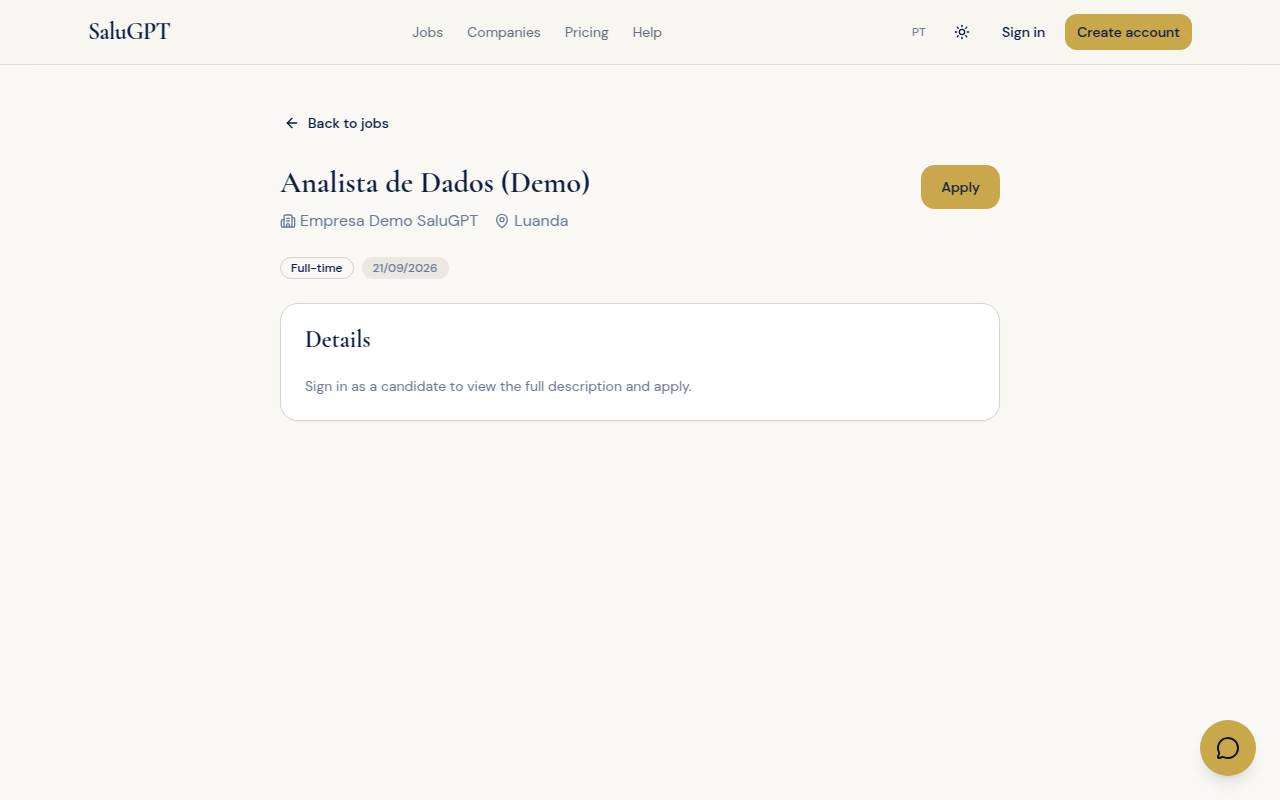
Platform job
Detail of a job posted by a company on DaaB - apply directly on the platform here.
Route: /vagas/[id]
- Review title, company, location and fit (when available).
- Without a candidate session, the full description and apply action require login.
- When signed in, click Apply. Then track progress under Applications.
- If shown, use Recalculate on the compatibility widget.
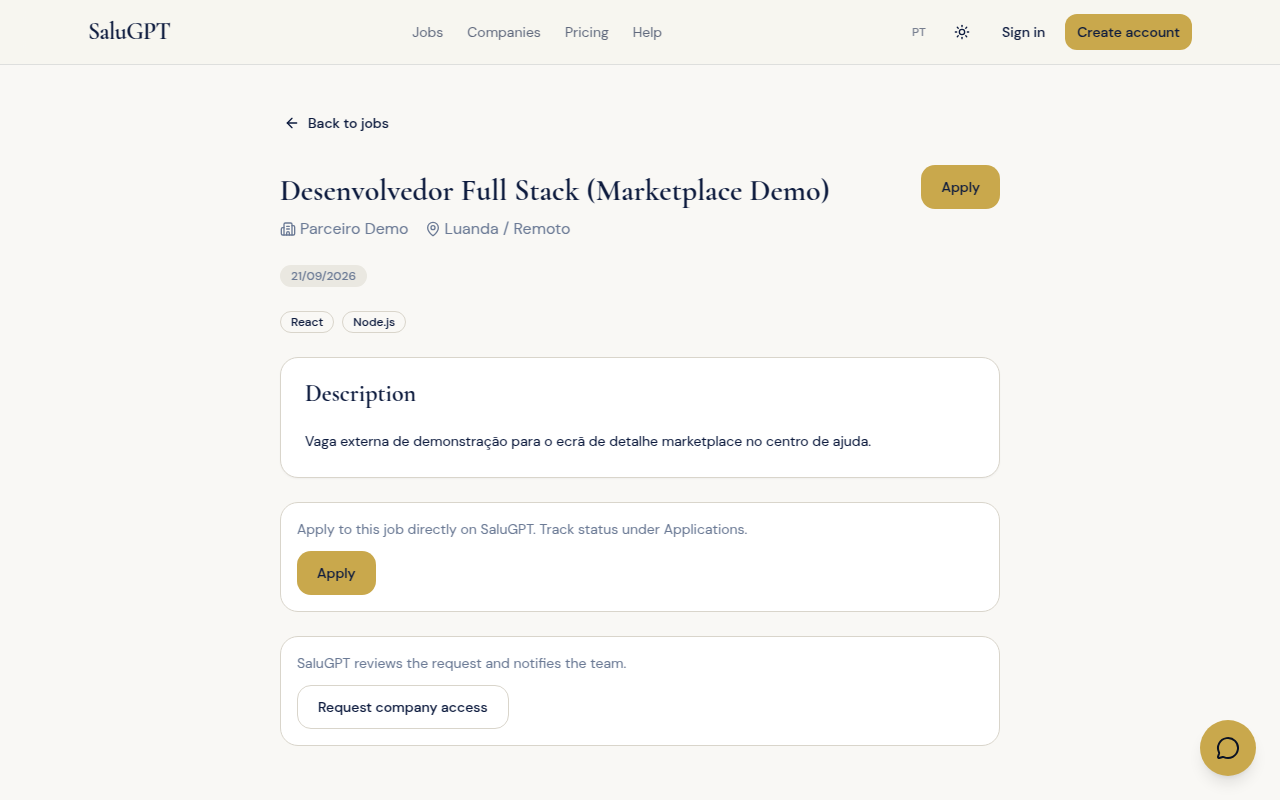
External job (marketplace)
Job collected from external sources and published on the marketplace. Applications are submitted on DaaB (not the original site).
Route: /vagas/externas/[id]
- Review the description.
- Click Apply (with a candidate session) to submit the application on DaaB.
- Track status under Applications.
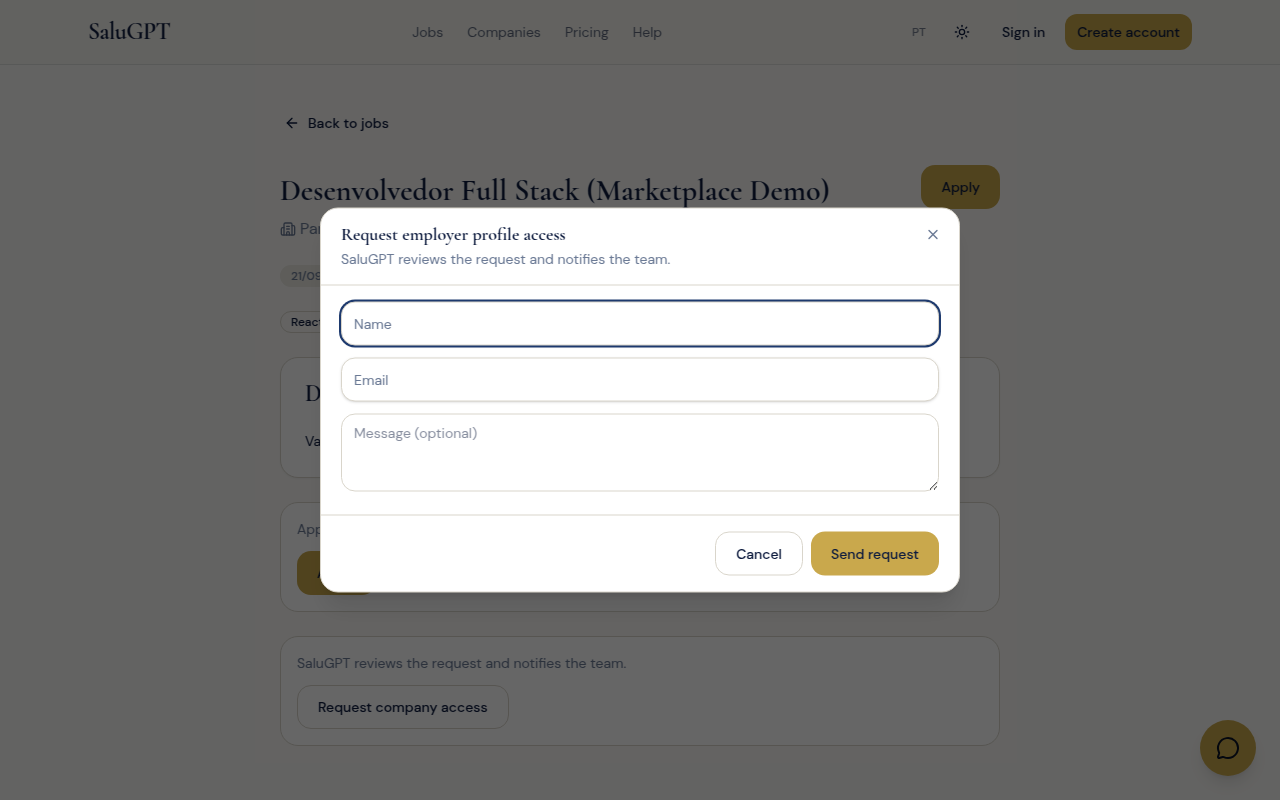
- If you own the advertised company, use Request company access to ask for a DaaB account.
Companies and search
Company directory and global search (companies + jobs) without signing in.

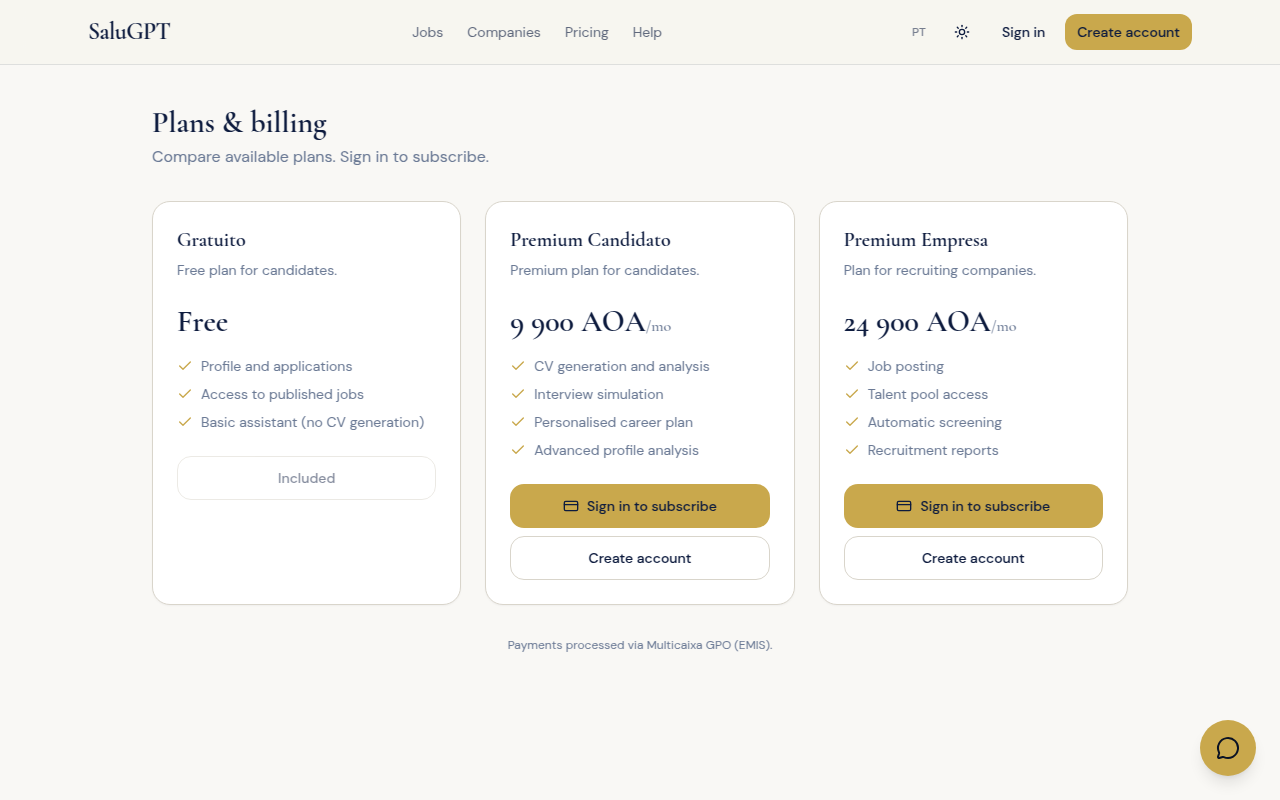
Plans (public view)
Compare Free, Premium Candidate and Company plans before subscribing.
Route: /planos
Compare plans. Subscribing requires a signed-in session. Details in AI, plans and payments.